Migration and import
Insurance Broker Core can load legacy portfolio data from an external source through a published target contract. The load is a server command run by a system administrator. The Desk is where you afterwards inspect the batch, the rows that were put in quarantine, and the data quality issues. Importing a commission statement is a separate Desk workflow described in Commissions.
This page is a user-level summary. The authoritative field lists, enum values, and error codes are in the migration target contract.
Who does this
| Task | Role that is checked |
|---|---|
| Run the package import command | System Manager (the command calls an only-for check) |
| Open Import Batch records | Insurance Broker Administrator, Insurance Broker Operations, Insurance Broker Import Operator (read, write, create); Insurance Broker Compliance, Insurance Broker Auditor, Insurance Broker Read Only (read) |
| Work on Import Quarantine records | Insurance Broker Administrator, Insurance Broker Compliance, Insurance Broker Import Operator (read, write, create); Auditor and Read Only (read) |
| Work on Data Quality Issue records | Administrator and Operations (read, write, create); Compliance (read, write); Auditor and Read Only (read) |
| Read Mapping Profile records | Administrator (read, write, create); Compliance, Auditor, Read Only (read) |
| Read External Source Reference records | Administrator (read, write, create); Operations, Compliance, Auditor, Read Only (read) |
| Open the Data Quality report | Insurance Broker Administrator, Insurance Broker Operations, Insurance Broker Compliance |
The role Insurance Broker Import Operator is defined as "Import batch, import line and quarantine processing". It gives form access to the batch and quarantine records. It does not by itself allow running the package import command, which needs System Manager. See the role matrix.
Before you start
- Prepare the ERPNext masters first: Company, Customer, Contact, Address, and Supplier. ERPNext owns these records; the import links to them.
- Existing Product Classes, Risk Schema Versions, Regulatory Contexts, Currency, Company Settings, roles, and permissions are prerequisites, not import targets. A row that refers to something missing is quarantined.
- Prepare a package file and a mapping file. The package envelope has a JSON schema, with seven synthetic example packages, in the contracts folder of the repository.
- The only admitted collection model is direct carrier collection. The import does not receive or account for client money and creates no bookings, payments, or approvals.
What the contract covers
The contract names 20 Core target records plus five ERPNext business objects and the Currency reference. In dependency order:
| Group | Records |
|---|---|
| Control | Import Batch, Import Batch Line, Mapping Profile, External Source Reference, Field Provenance, Import Quarantine, Data Quality Issue |
| Parties and mandates | Party Identity, Party Alias, Mandate, Party Role |
| Risks, policies, portfolio | Risk Object, Risk Object Version, Policy, Policy Term, Policy Risk Participation, Insured Population, Membership Version, Claim Assistance Case, Premium Obligation |
Imported Policy Terms start as proposed drafts. A submitted term is never created by the import; submission follows the normal workflow described in Policies. An imported claim case makes no coverage decision.
Steps
1. Run the import (system administrator)
The one public entry point is the function insurance_broker_core.migration.target_import.import_package. It takes the path of the package file, the path of the mapping file, and optionally the company when the package does not declare it.
bench --site SITE_NAME execute insurance_broker_core.migration.target_import.import_package --kwargs PACKAGE_AND_MAPPING_KWARGS
PACKAGE_AND_MAPPING_KWARGS is the keyword dictionary with the keys package_path and mapping_path, as shown in the contract. Two helper commands exist for checking a site: verify_runtime_schema checks the target records against the real schemas, and run_synthetic_example loads the built-in synthetic example. Run the example twice to see the replay behaviour: the contract documents three created records and one quarantined row on the first run, and no new records on the second.
2. Inspect the batch
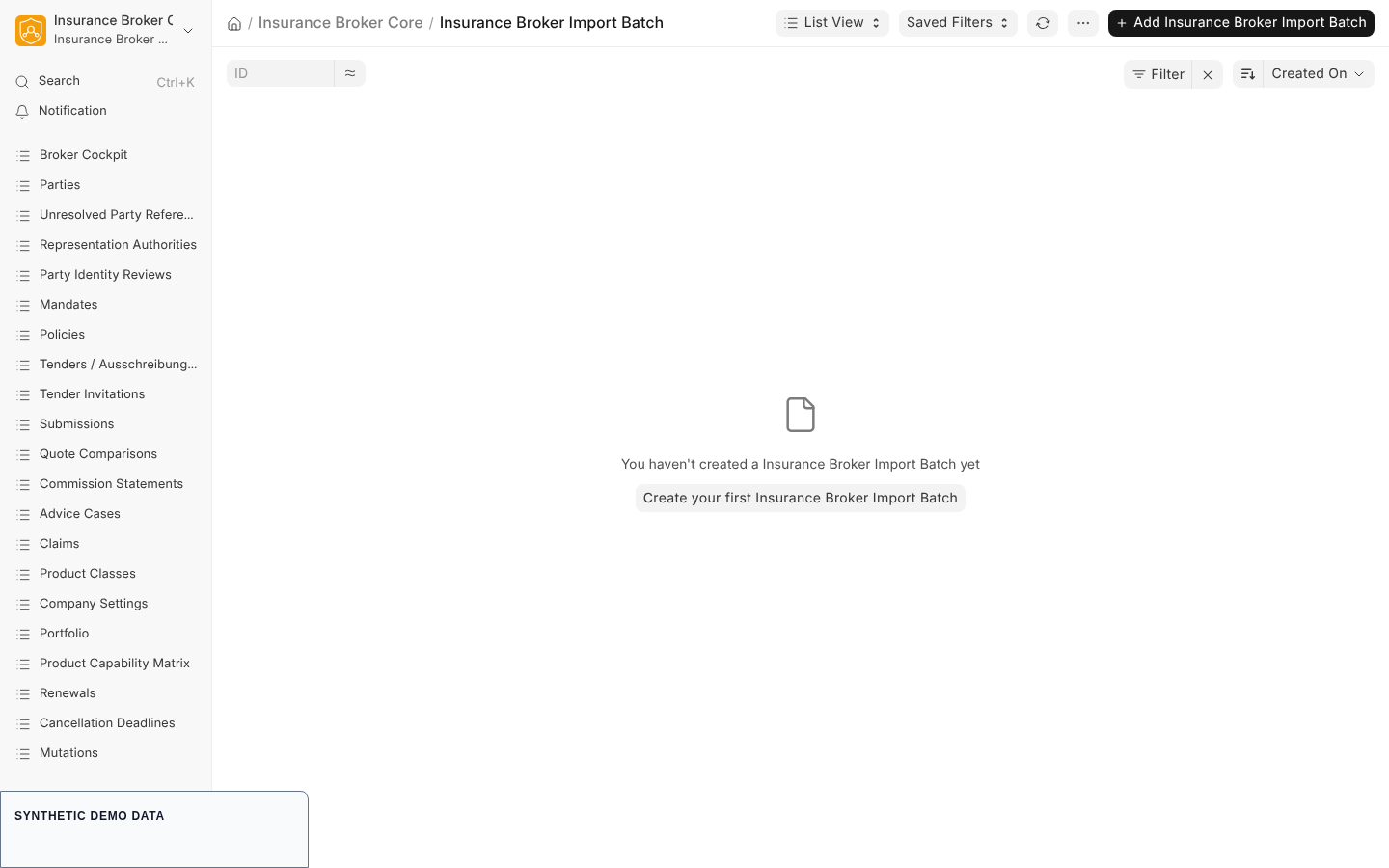
- Open the list of Insurance Broker Import Batch records (series
IB-IMPORT-). - Check Company, Source System, External Batch ID, Schema Version, Payload SHA-256, and Status (
staged,processing,quarantined,validated,accepted,rejected). - Read the counters Total Records, Created Count, Reused Count, and Quarantined Count, and the read-only checkpoint fields Next Record Index and Checkpoint Digest. The pinned Mapping Profile and its digest are shown as read-only.
- The Lines table shows one row per source line with its external line identifier, source digest, and mapping status (
unmapped,mapped,quarantined).
3. Work through the quarantine
- Open Insurance Broker Import Quarantine (series
IB-QUAR-). - Each record names the Import Batch, a Reason Code, and the Source Digest of the rejected row.
- Set Resolution Status to
acceptedorrejectedand describe the decision in Resolution Note. Resolving a quarantine record never creates a domain record on its own; corrections are loaded as a new package.
4. Review data quality issues
Open Insurance Broker Data Quality Issue (series IB-DQ-) or the Data Quality report in the Imports/Data Quality workspace. An issue has an Import Batch, a Severity (info, warning, error, blocking), a Code, an optional target record, a Status (open, resolved, accepted_risk), and a Resolution. The report needs a company filter value and lists up to 200 rows.
5. Replay a corrected package
Load a corrected package through the same command. An identical package is recognized and creates nothing new. The same external identity with a changed payload is quarantined and never overwritten.
What the system checks
Each source row is identified by the tuple of source system, external identifier, and schema version, with a SHA-256 digest of its canonical content. Every accepted field gets a provenance entry with its source path.
Row errors put only that row into quarantine; the valid siblings continue:
| Code | Meaning |
|---|---|
IBC-MIGRATION-REQUIRED-001 | A required identity or field is missing |
IBC-MIGRATION-PRODUCT-KEY-001 | The product reference is not in the admitted taxonomy |
IBC-MIGRATION-DUPLICATE-001 | The identity repeats in the package or conflicts with an existing digest |
IBC-MIGRATION-REFERENCE-001 | A reference cannot be resolved or lies outside the contract |
IBC-MIGRATION-ENCODING-001 | A replacement marker or invalid Unicode was found |
IBC-MIGRATION-FIELD-001 | Field validation failed |
IBC-MIGRATION-ROW-001 | Unclassified row error |
Batch aborts discard the whole call before any row is processed:
| Code | Meaning |
|---|---|
IBC-MIGRATION-CONTRACT-001 | Unknown migration target contract |
IBC-MIGRATION-JSON-SCHEMA-001 | The package violates the published envelope schema |
IBC-MIGRATION-SCHEMA-001 | Package and mapping profile schema versions differ |
IBC-MIGRATION-COMPANY-001 | No target company in the package or the call |
IBC-MIGRATION-MAPPING-DRIFT-001 | The stored mapping profile has a different digest |
IBC-MIGRATION-CHECKPOINT-BINDING-001 | The checkpoint binding changed against the running batch |
IBC-MIGRATION-CHECKPOINT-DIGEST-001 | The stored checkpoint digest is invalid |
IBC-MIGRATION-CHECKPOINT-INTERVAL-001 | The checkpoint interval is not positive |
IBC-IMPORT-SCHEMA-001 | The schema version is not admitted at the ingestion stage |
The batch report is consistent only when source records equal mapped plus quarantined rows, mapped rows equal unique source references, and there are no orphans. The result of the import also contains an identifier map of created or reused targets; quarantined rows are not in it.
Rehearsal and cutover evidence
The repository documents a synthetic migration rehearsal and a synthetic cutover contract. Both are repository evidence only and do not perform or authorize a production cutover.
python scripts/verify_migration_rehearsal.py --check
python scripts/verify_migration_cutover.py --check --negative-control
See the rehearsal guide and the cutover contract.
Current limits
- There is no Desk upload form for migration packages; the load is a command run by a system administrator.
- Source extraction, data cleansing outside the batch, document OCR, parallel operation, and production cutover are outside the contract.
- The contract is a target description. Customer-specific field mapping is not part of it.
Capability status
The capability matrix contract has model_only as default status and an empty validated_claims list. Migration and import are not a listed process there, so no migration claim is made.