Privacy, evidence, documents
This page covers four connected areas: document references and the document intake queue, data subject request cases, retention rules and legal holds, and evidence bundles. For each function it says where you work: a Desk form, a Desk report, or a server command that is called through the API and has no Desk button. The general privacy and security posture is described in Security and privacy.
Who does this
| Area | Roles checked in the repository |
|---|---|
| Document Reference and Document Version forms | Insurance Broker Administrator and Insurance Broker Operations (read, write, create); Insurance Broker Compliance and Insurance Broker Sensitive Claims (read) |
| Document ingestion commands | Insurance Broker Operations (state machine role), plus company access |
| Data Subject Request Case form | Insurance Broker Privacy Officer, Insurance Broker Compliance, Insurance Broker Administrator (read, write, create); Insurance Broker Auditor and Insurance Broker Read Only (read) |
| Subject graph command | Insurance Broker Privacy Officer or Insurance Broker Auditor |
| Legal Hold form | same as Data Subject Request Case |
| Retention Rule and Retention Disposition Case forms | Insurance Broker Compliance and Insurance Broker Administrator (read, write, create); Insurance Broker Privacy Officer, Insurance Broker Auditor, Insurance Broker Read Only (read) |
| Retention commands (place or lift hold, disposition check, restore check) | Insurance Broker Privacy Officer or Insurance Broker Compliance |
| Evidence Bundle form | Insurance Broker Administrator and Insurance Broker Compliance (read, write, create); Insurance Broker Sensitive Claims (read) |
| Evidence bundle export | Insurance Broker Privacy Officer or Insurance Broker Auditor |
| Privacy Requests and Retention/Legal Holds reports | Insurance Broker Administrator or Insurance Broker Compliance |
See the role matrix for all roles.
Before you start
- The company must be configured and activated; see First steps and activation.
- The server commands in this page are whitelisted API methods. They check the role first, and most of them check company access for the record.
- Use synthetic data in test sites. Restricted data must never be copied into issues, pull requests, or logs.
Documents
Document references (Desk)
- Open the list of Insurance Broker Document Reference records and create one (series
IB-DOCREF-). - Fill Company, Reference DocType, and Reference (a dynamic link to the record the document belongs to). Add a Title if useful.
- Set Status (
active,superseded,archived) and Data Classification (internal,confidential,restricted). - Each file version is an Insurance Broker Document Version (series
IB-DOCVER-) with the Document Reference, Version number, File, MIME Type, Byte Size, SHA-256, Source (upload,email,api,connector), Data Classification, and Scan Status (pending,clean,infected,error). The Document Reference points to its Current Version.
Rules the forms enforce: an archived document reference cannot be reactivated (IBC-DOCUMENT-REFERENCE-STATUS-001), and document versions are immutable once created (IBC-DOCUMENT-VERSION-IMMUTABLE-001).
Document intake queue (Desk form and server commands)
The Insurance Broker Document Ingestion Queue (series IB-INGEST-) holds incoming private files with Source Channel, Source Reference, Received At, MIME Type, Byte Size, SHA-256, Data Classification, Malware Scan, Active Content, Quarantine Reason, and an optional link to the target record. The form can be read and edited by Insurance Broker Administrator, Insurance Broker Operations, and Insurance Broker Sensitive Claims.
The intake workflow itself runs through server commands in insurance_broker_core.api.document_ingestion, each taking the queue item and an idempotency key. No Desk button for them is evidenced.
| Command | Extra input | Effect |
|---|---|---|
scan_clean | none | Moves the item from received to scanned |
quarantine | none | Moves the item from received to quarantined (final state) |
propose_extraction | evidence reference | Moves the item from scanned to extraction proposed and stores an Insurance Broker Extraction Proposal for human review |
propose_accept | none | Maker step: returns the binding that the checker must sign |
accept | approval proof | Checker step: moves the item to accepted (final state) |
reject | evidence reference | Moves the item from extraction proposed to rejected (final state) |
The extraction proposal is stored as untrusted: its form labels the content "Untrusted Proposal" and keeps provider, model, prompt version, source spans, and confidence. Accepting it needs two different Insurance Broker Operations users who are authorized for the company. If no second user exists, the maker step stops with IBC-DOC-INGESTION-CHECKER-001; a wrong or self-declared maker is refused with IBC-DOC-INGESTION-APPROVAL-MAKER-001.
Data subject requests
Record a request (Desk)
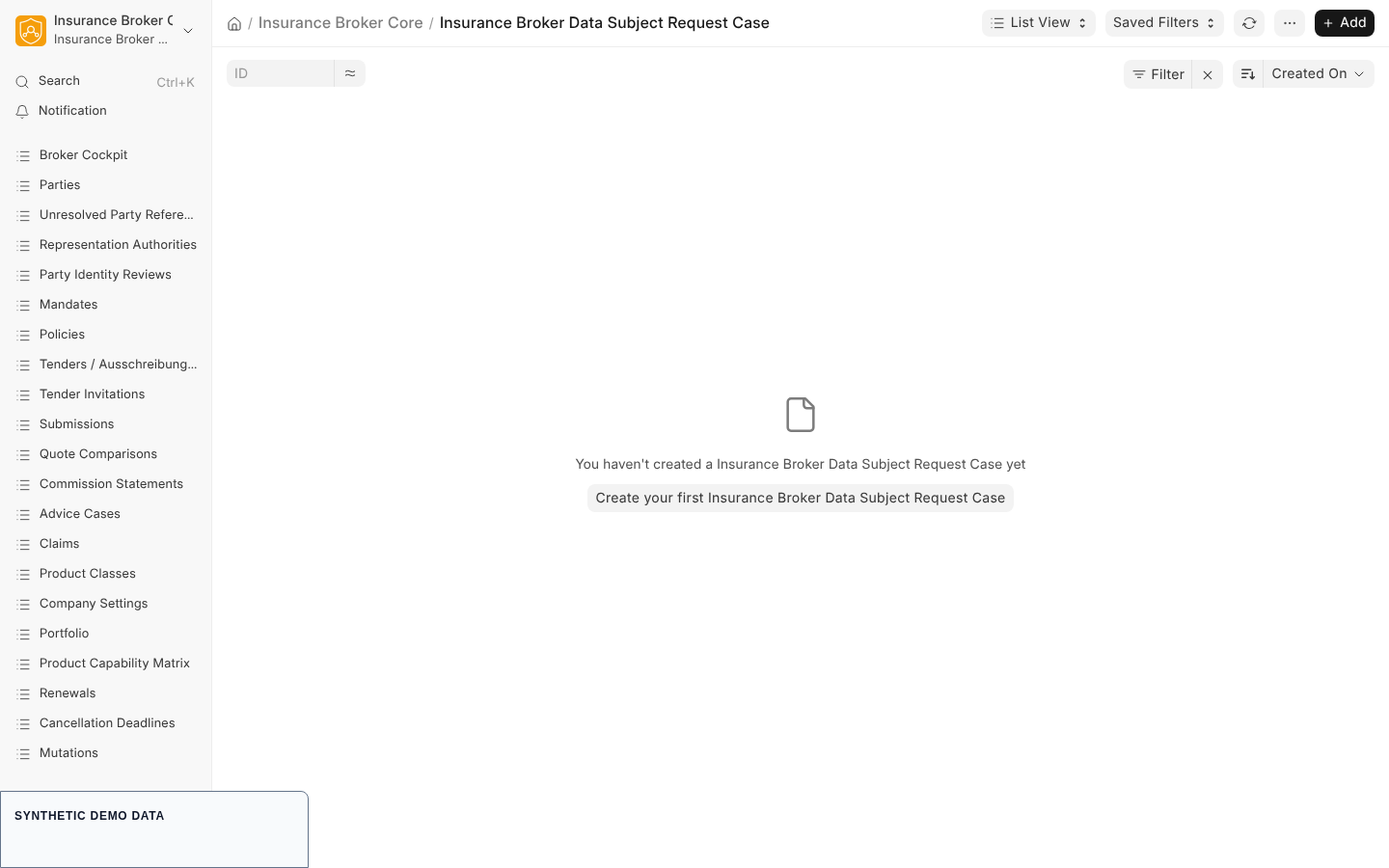
- Open Insurance Broker Data Subject Request Case and create a record (series
IB-DSR-). - Fill Company, Party Identity, Request Type (
access,rectification,erasure,restriction,portability,objection), Received At, and Due Date. - Set Identity Status (
unverified,pending,verified,rejected). If a representative acts, link the Representative Party and tick Representative Verified once checked. - Tick Third Party Data Reviewed when other people's data in the response was reviewed.
- Move the Status through
received,identity_pending,in_review, and the outcomesfulfilled,partially_fulfilled, orrejected. Record the Decision Reason, Response Document, Response Delivery Evidence, and Completed At as needed.
The form blocks any status beyond received and identity_pending unless the identity status is verified (IBC-PRIVACY-IDENTITY-001). The state machine contract for privacy requests lists the commands request identity, verify identity, fulfill, partial, and reject, all for Insurance Broker Compliance, with maker-checker approval on the three outcome commands.
Subject graph (server command)
insurance_broker_core.api.privacy.run_subject_graph_traversal takes the case name and returns a redacted, read-only scope of the subject's records. It requires Insurance Broker Privacy Officer or Insurance Broker Auditor (otherwise IBC-PRIVACY-ROLE-001), supports the request types access, portability, and erasure (otherwise IBC-SUBJECT-GRAPH-REQUEST-001), needs a verified identity (IBC-PRIVACY-IDENTITY-001), and, when a representative acts, a verified representative (IBC-PRIVACY-REPRESENTATIVE-001).
Report
Open the report Privacy Requests. The server requires a company filter value and stops with "Select a company before running this report." without one; a status filter is accepted. It lists party identity, request type, received and due dates, identity status, representative and third-party flags, status, and completion time, up to 200 rows.
Retention and legal holds
Retention rules and disposition cases (Desk)
- An Insurance Broker Retention Rule is identified by its Rule Code and holds Target DocType, Retention Days, Trigger Event, and Status (
draft,approved,retired). - An Insurance Broker Retention Disposition Case (series
IB-DISPOSE-) links a target record to a rule with Mode (dry_run,anonymize,erase), Status (proposed,blocked,approved,executed,rejected), Decision Code, Approved By, and Executed At.
Legal holds (Desk form and server commands)
An Insurance Broker Legal Hold (series IB-HOLD-) names a Target DocType and Target Name, a Reason, Valid From, and Status (active, released). You can also work through insurance_broker_core.api.retention:
| Command | Effect |
|---|---|
place_legal_hold | Creates an active hold on a target record; if one is already active it returns "already_active" |
lift_legal_hold | Releases an active hold; releasing a hold that is not active fails with IBC-PRIVACY-LEGAL-HOLD-002 |
run_disposition_decision | Checks a Retention Disposition Case against active holds and the restricted classification of the target. Nothing is deleted by this command |
run_restore_validation | Checks a tombstoned record against its restore disposition ledger row |
A disposition check is blocked, with the case status set to blocked and the decision code stored, in this order: an active legal hold (IBC-PRIVACY-LEGAL-HOLD-001), a restricted target (IBC-PRIVACY-RESTRICTION-001), or a retention period that has not expired (IBC-PRIVACY-RETENTION-001). The caller supplies whether retention has expired; the command does not compute the period.
Report
Open Retention/Legal Holds. The same company requirement applies, and a status filter is accepted. It lists target, reason, valid from, released at, and status, up to 200 rows.
Evidence bundles
An Insurance Broker Evidence Bundle (series IB-EVIDENCE-) records Reference DocType and Reference, Bundle Type (advice, policy, claim, complaint, commission, privacy, regulatory), the File Manifest, Manifest Digest, Data Classification, and Status (draft, generated, sealed, exported). The Desk shows these records; creating, sealing, and exporting a bundle are server commands in insurance_broker_core.api.evidence_bundle, with no Desk button evidenced.
| Command | Input | Effect |
|---|---|---|
generate | reference DocType, reference name, bundle type, profile, optional company and retention days | Builds the bundle from the server-side record and stores a private ZIP. The default profile is redigiert (redacted); the other profile is vollständig (complete) |
seal | bundle name | Validates the stored ZIP, then sets the status to sealed |
export | bundle name | Stores the final private file and sets the status to exported |
Export is limited to Insurance Broker Privacy Officer or Insurance Broker Auditor; other roles are refused. Only sealed bundles can be exported. The retention setting defaults to no invented period and never deletes automatically. The redacted profile masks health and claim data. No PDF/A claim is made.
To check the builder locally run python scripts/verify_evidence_bundle.py --check; the operations guide on evidence bundles adds the negative control.
Current limits
- No executable disposition ledger reapply path is shipped; the restore drill verifies ledger evidence and tombstones instead.
- Disposition commands in this page check and record decisions; they do not delete data.
- Reports show at most 200 rows.
- The Desk workflow for the document intake and for evidence bundles is not evidenced; use the commands above.
Capability status
Privacy and document handling are not listed as a process in the capability matrix contract. Its default status is model_only, and validated_claims is empty. The operations text states that the app is not a compliance certification.